Bank Statement to Tally XML in Seconds
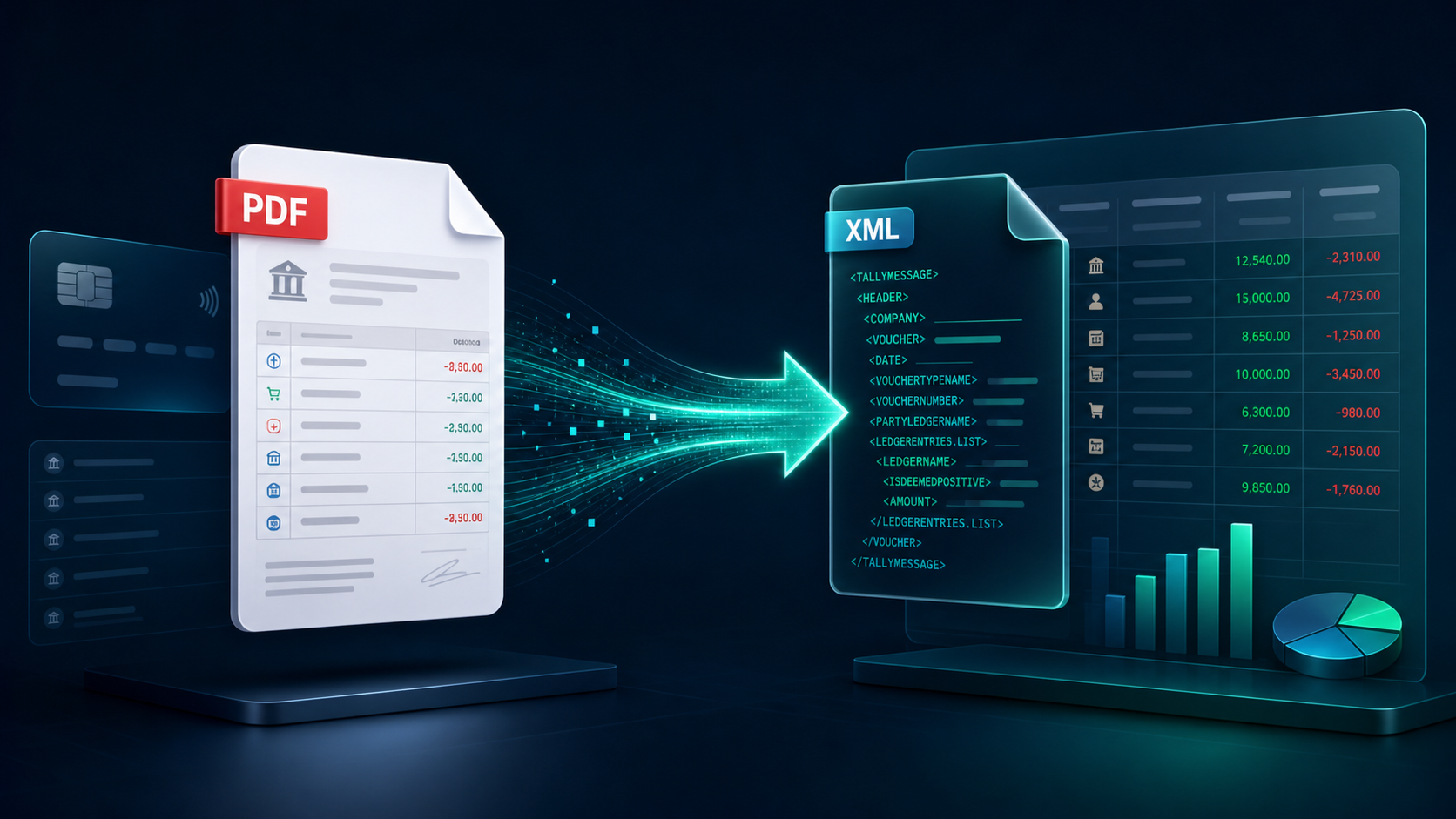
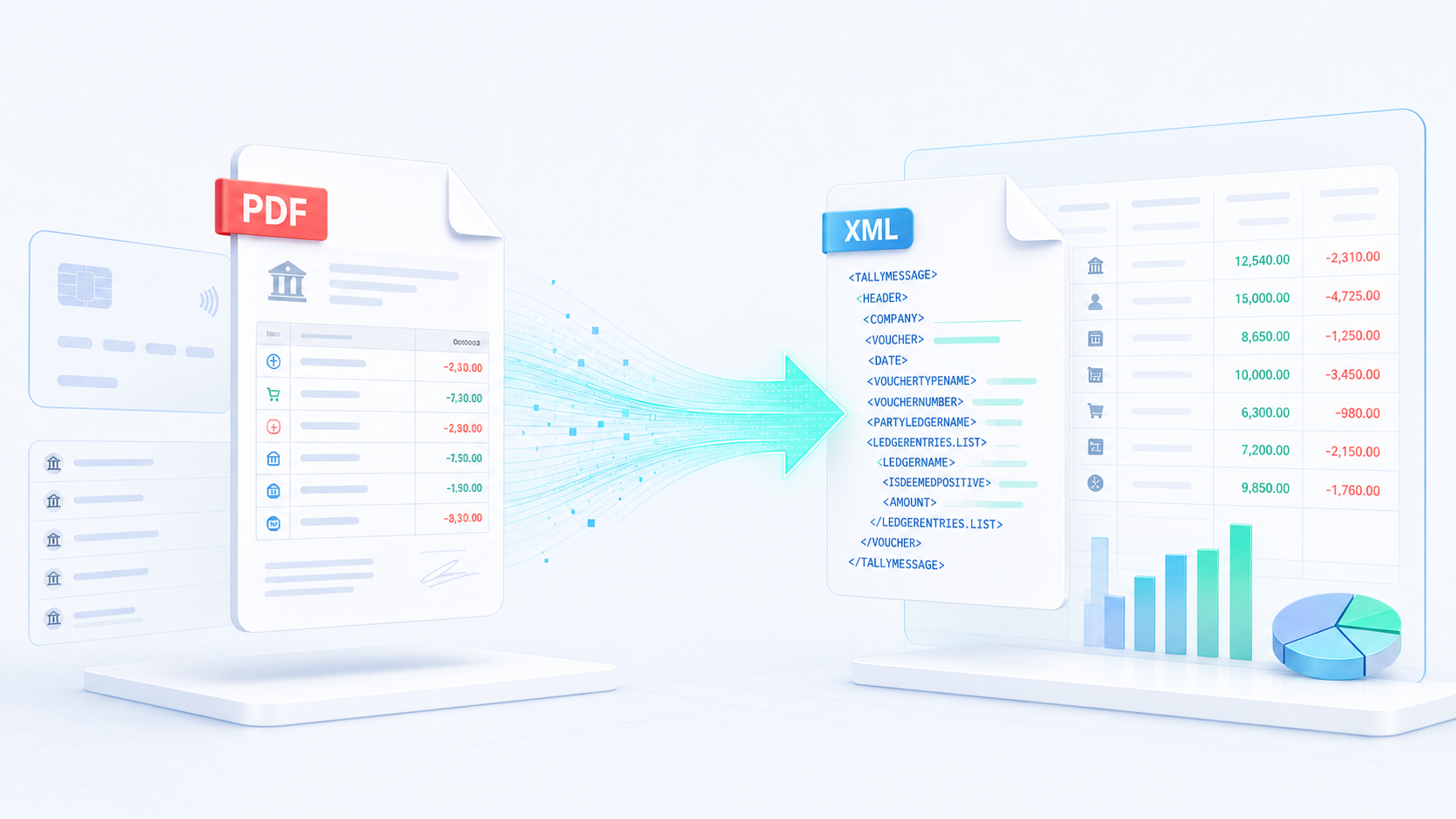
Convert any bank statement PDF into Tally Prime XML or CSV. The most accurate converter for Chartered Accountants and finance professionals. Supports 100+ Indian banks.
Drop your bank statement PDF
or click to browse
Connect your accounting workflow
Supported by 100+ banks and growing
 HDFC
HDFC SBI
SBI ICICI
ICICI Axis
Axis Kotak
Kotak BOB
BOB IDFC
IDFC YES
YES RBL
RBL DCB
DCB UBI
UBI PNB
PNB Canara
 Indian
 IOB
IOB BOI
BOI BOM
BOM CBI
CBI UCO
UCO PSBHDFCSBIICICIAxisKotakBOBIDFCYESRBLDCBUBIPNBCanaraIndianIOBBOIBOMCBIUCOPSB
 Amazon
 Flipkart
 JioMart
 Myntra
 Meesho
 Paytm
Paytm Snapdeal
 Glowroad
 CityMall
 LimeroadAmazonFlipkartJioMartMyntraMeeshoPaytmSnapdealGlowroadCityMallLimeroad
How It Works
Four simple steps to convert your bank statement into Tally-ready XML.
Upload PDF
Drop your bank statement PDF. We support statements from all major Indian banks.
Auto Extraction
AI reads every transaction, date, and amount with 100% precision.
XML Generation
Instantly build a Tally-ready XML with auto-voucher mapping.
Import to Tally
Import into Tally Prime. Your accounting is done in seconds.
Built for Accountants
Professional features designed to automate your data entry workflow.
100% Accuracy
AI-driven engine extracts transactions with surgical precision. Handles complex formats and multi-line descriptions.
Bank-Grade Security
SSL encryption. Files auto-deleted after conversion. Your financial data never stored on our servers.
Tally Compatible
XML files 100% compatible with Tally Prime & ERP 9. Zero import errors guaranteed.
Bulk Processing
Upload multi-page statements or multiple files. Handle thousands of transactions in seconds.
Excel & CSV Export
Export clean Excel or CSV files for reconciliation, auditing, or custom reporting.
Smart Voucher Mapping
Auto-identifies Payment/Receipt/Contra vouchers. No manual classification needed.
Bank statement conversion resources
Practical guides for CAs, bookkeepers and finance teams using TallyPrime, Excel and CSV.
Bank statement PDF to CSV or Tally XML
See how to select a bank, review extracted transactions and import the final XML into TallyPrime.
Read the guide Excel & CSVConvert bank statement PDF to Excel
Learn which dates, narrations, debit, credit and balance columns matter for reconciliation.
Read the guide TallyPrime basicsWhat is Tally XML?
Understand vouchers, ledger names, dates and the import structure before you export.
Read the guide Bank directorySupported Indian banks
Find popular SBI, HDFC, ICICI, Axis, Kotak, PNB and 100+ bank formats.
Browse banks TallyXML BlogAccounting and Tally guides
Practical answers about bank reconciliation, voucher mapping, PDF conversion and TallyPrime.
Read the blog100+ Banks Supported
Custom parsers optimized for every major Indian bank.
Your Data is Safe
We understand the sensitivity of financial data. TallyXML is built with multiple layers of security to ensure your statements are processed safely.
SSL Encrypted
All data传输 encrypted in transit
Auto-Delete Policy
Files deleted after processing
No Data Sharing
Your data never shared with third parties
Trusted by Professionals
Join thousands of accountants who automated their workflow.
Questions & Answers
Everything you need to know about TallyXML.
Ready to Automate Your Accounting?
Start converting bank statements to Tally XML in seconds. No credit card required.